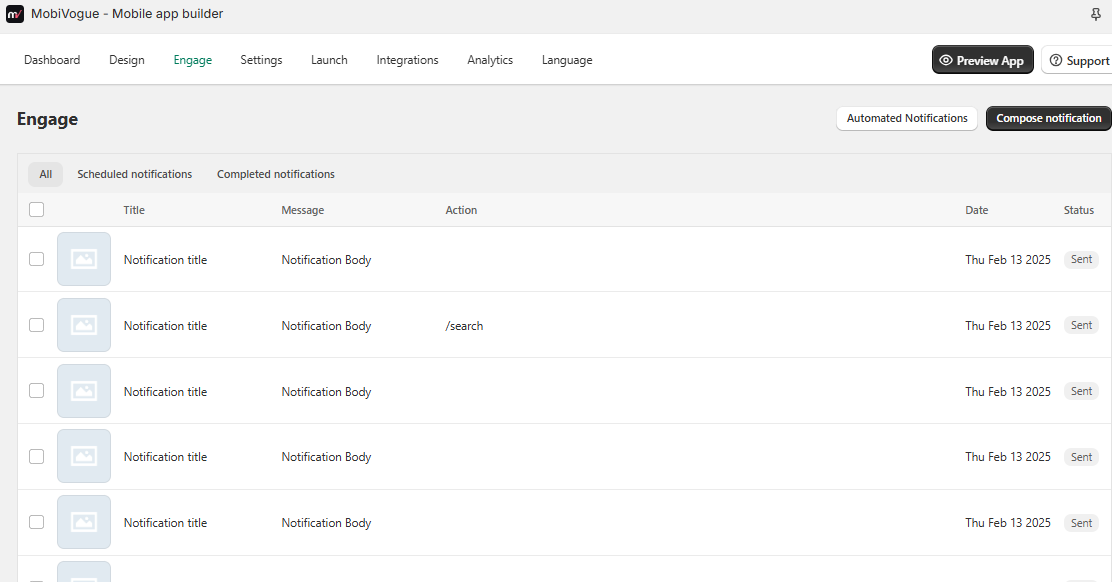
Compose notification
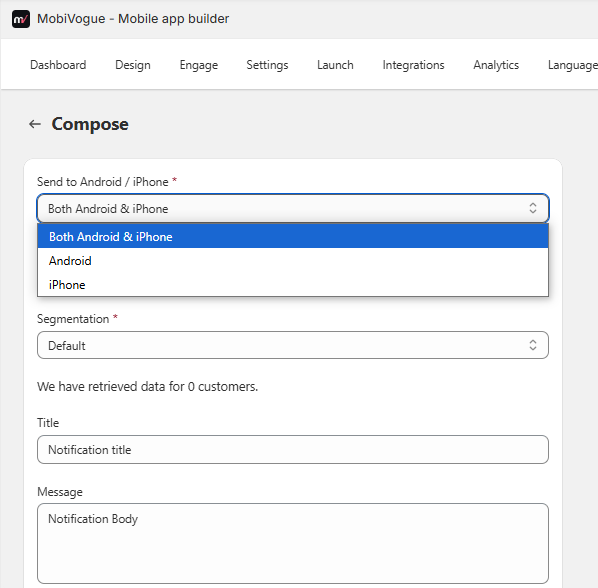
1. Sent to Android/Iphone
You can send notifications to both Android and iPhone from here. If you want to send notifications only to Android or only to iPhone, or to both, the options are available.
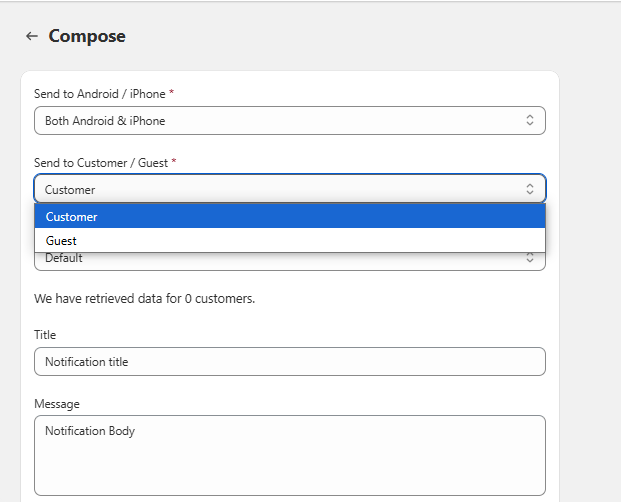
2. Sent to Customer/Guest
Here you can select whether you want to send the notification to customers or to new guests.
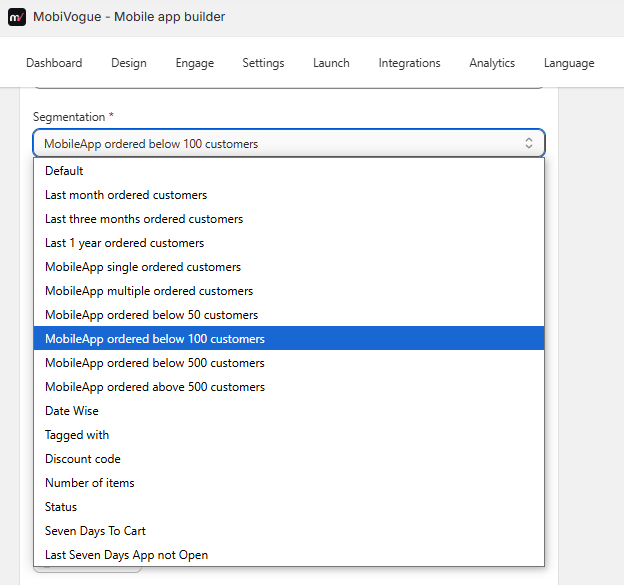
3. Segmentation
You can select any condition and send notifications based on that condition.
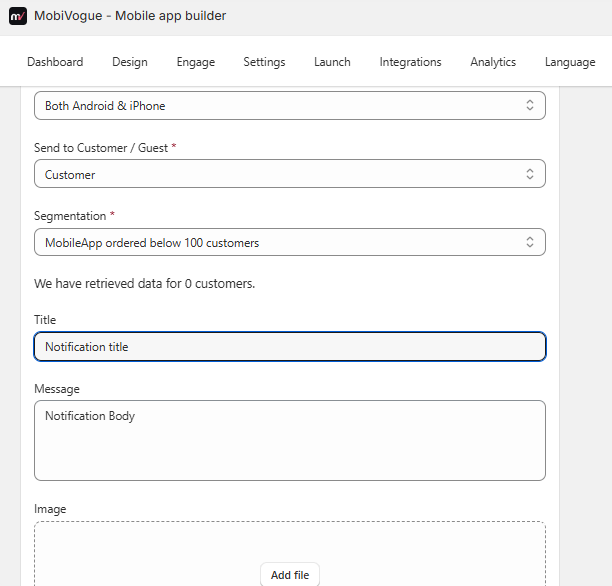
4. Title
Here you can write the title of the notification.
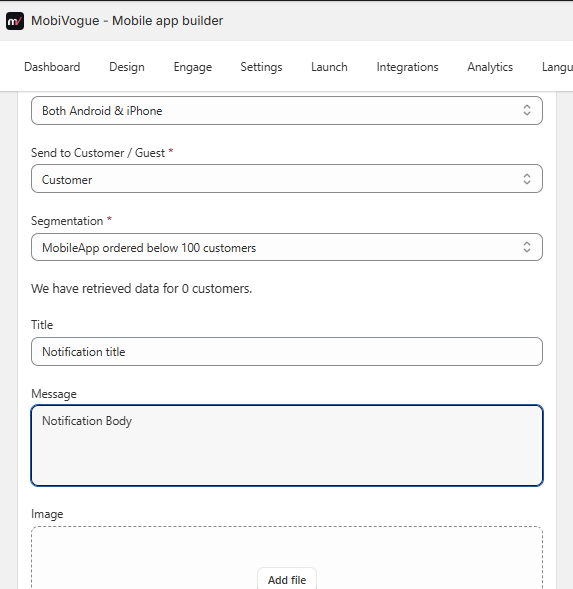
5. Message
Here you can write the description of the notification.
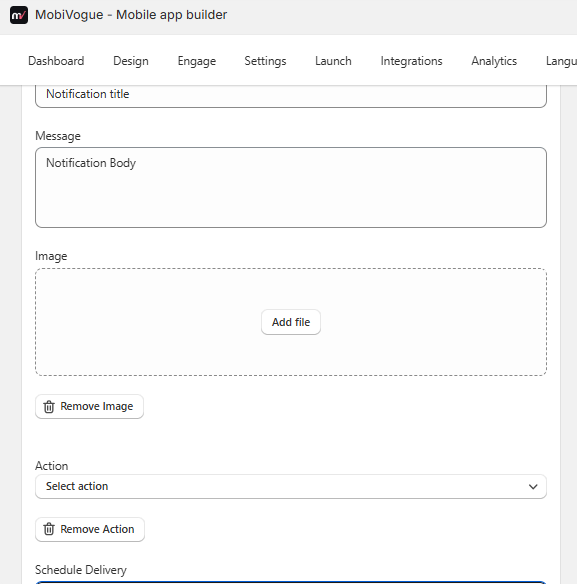
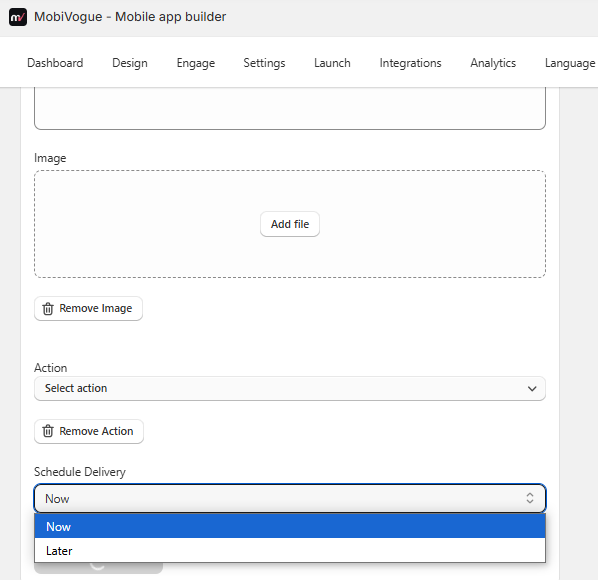
6. Image
Here you can add the image that you want to send in the notification.
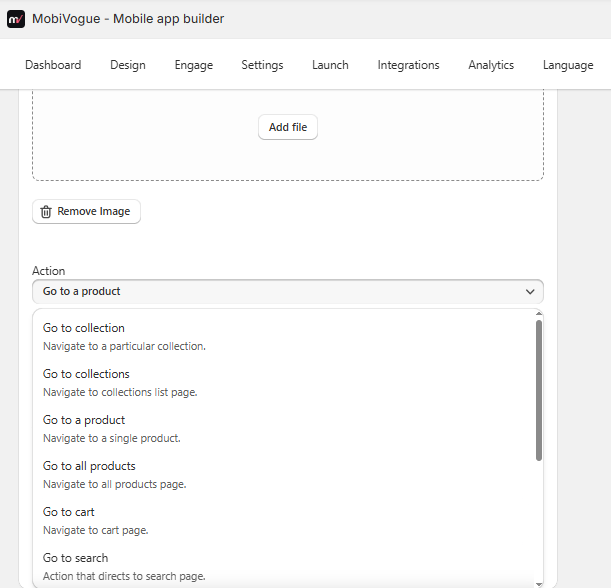
7. Action
You can select and send product or collection-related notifications from here. You can also choose a specific product or collection from a particular page and send the notification from here as well.
8. Schedule Delivery
Here you can send a scheduled notification for delivery.
Which notifications have been sent and which are still pending will be shown here.