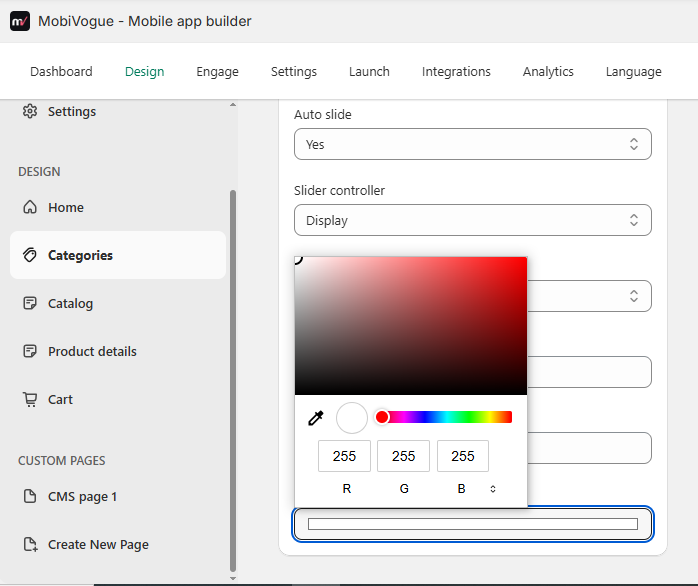
Categories
1.Collection
1.1 Title: This field will be used to display the title for the collection list section.
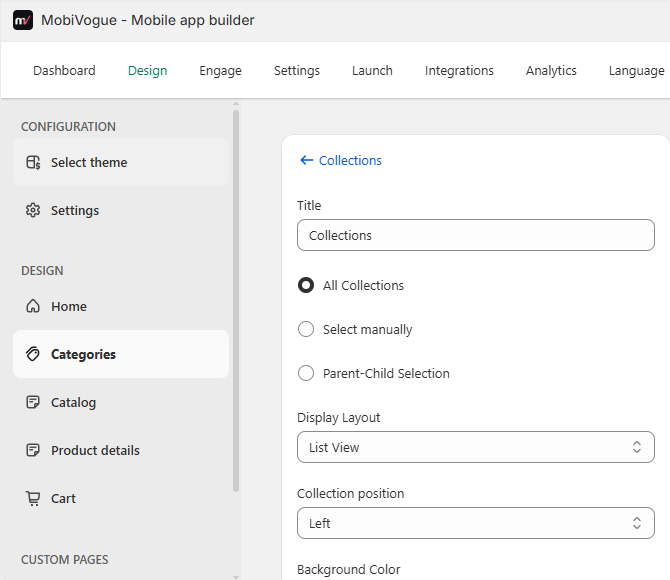
1.2. Collections: This field will show a collection image with a link to all collections, manual collections or Parent Child Selection in front.
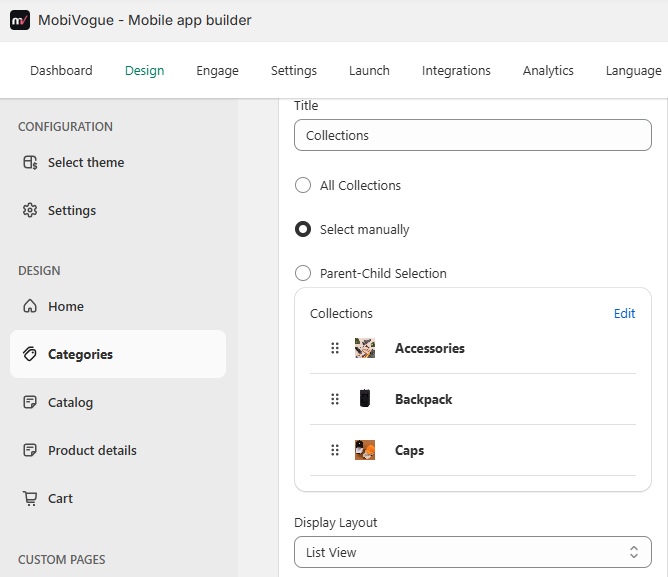
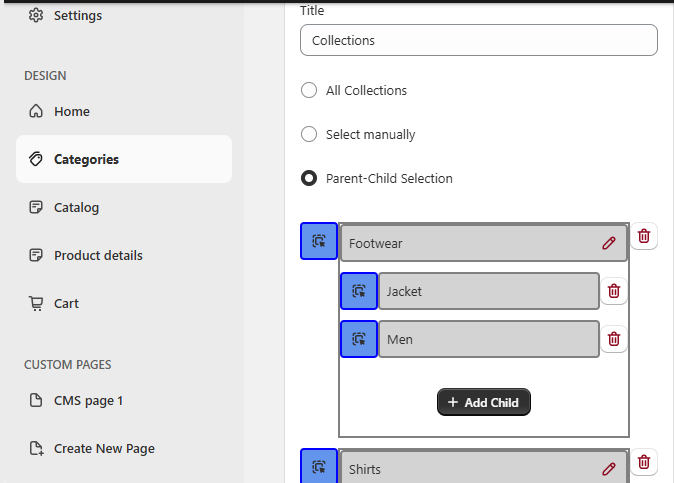
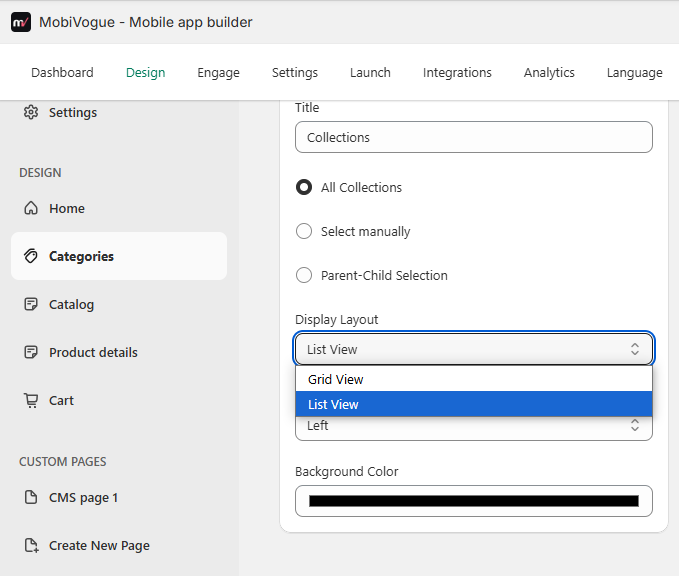
1.3. Display Layout: There are two options:
Grid View: It will display selected collections images in grad layout.
List View: It will display selected collection images in list view.
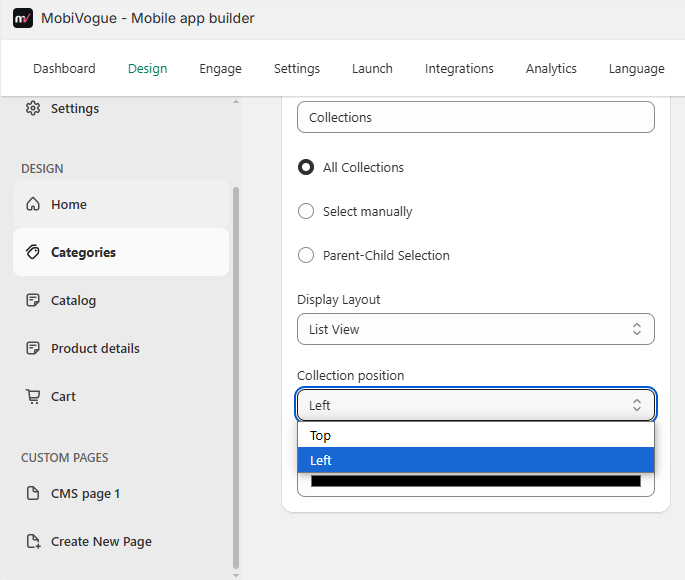
Collection position: You can select the collection position from here.
Top: It will display a collection on the top of the section.
Left: It will display a collection on the left of the section.
Background color: It will set the background color of the whole section.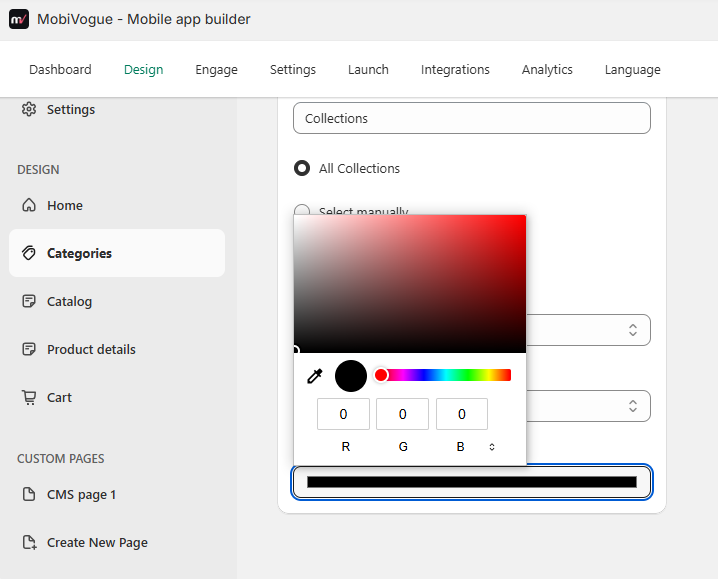
2.Single Banner
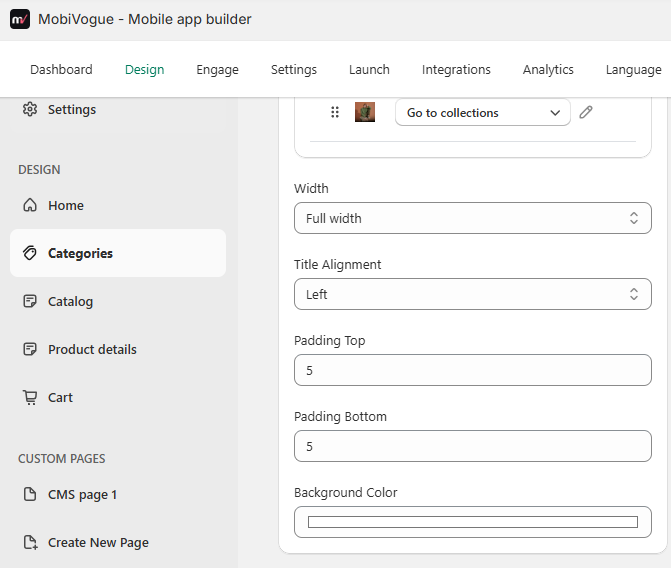
2.1. Title: This field will be used to display the title for the single banner section.
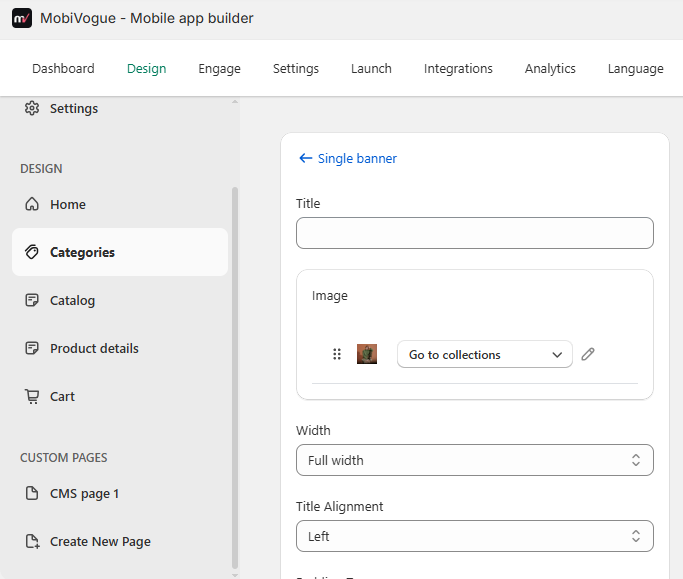
2.2. Images: This field will be used to upload the images and those images are also draggable to top or bottom side. There are also redirection options for this images.
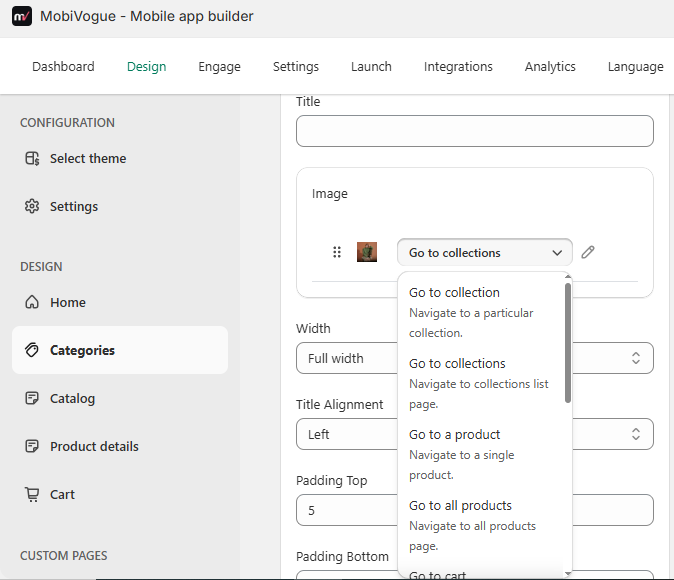
2.3. Width: This field will show all collections or manual collections in front.
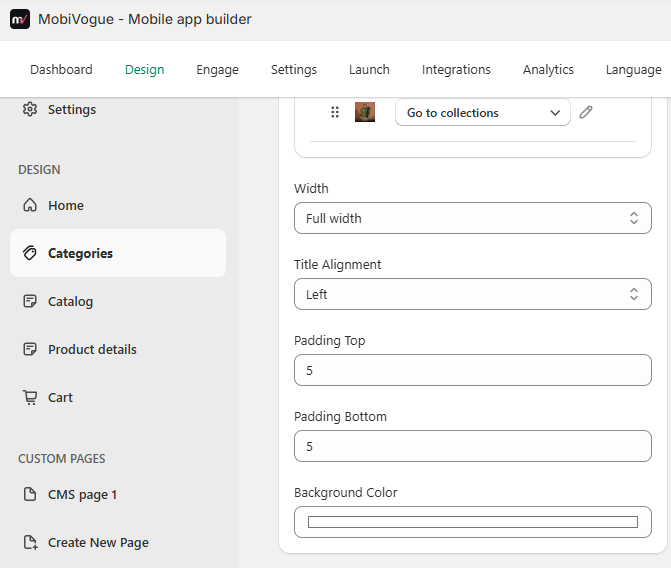
2.4. Title Alignment: There are mainly two options.
- Left: It will display the title on the left side.
- Center: It will display the title in the center of the screen.
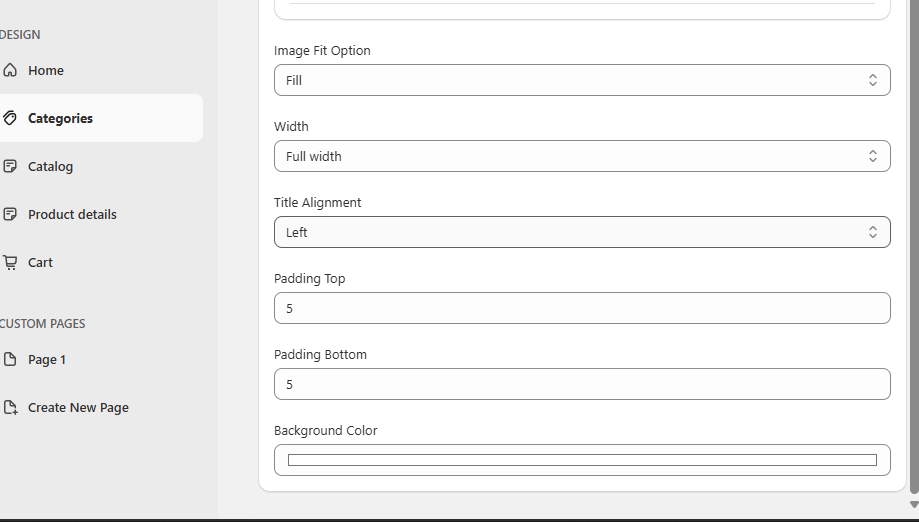
2.5. Padding top and Padding bottom: It will leave space before and end of the section as per the pixel value given in the backend.
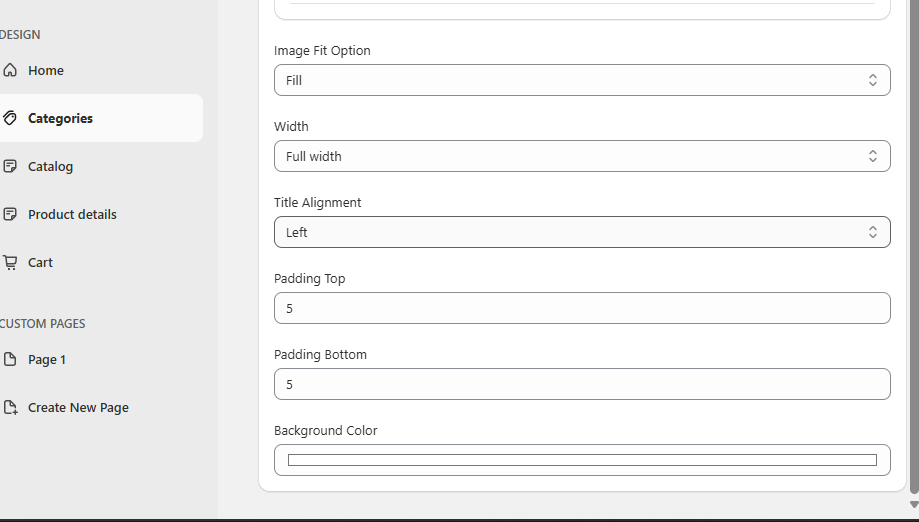
2.6. Background Color: It will set the background color of the whole section.
3.Image slider
3.1. Title: This field will be used to display the title for the Image slider section.
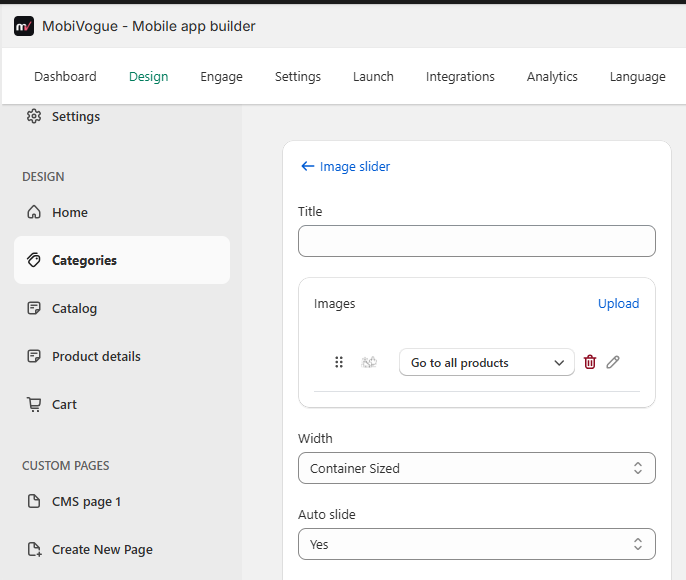
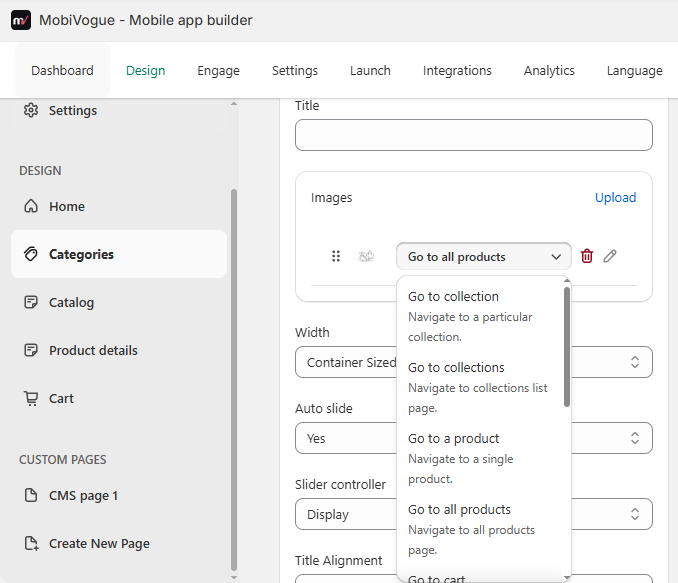
3.2. Images: This field will be used to upload the images and those images are also draggable to top or bottom side. There are also redirection options for this images.
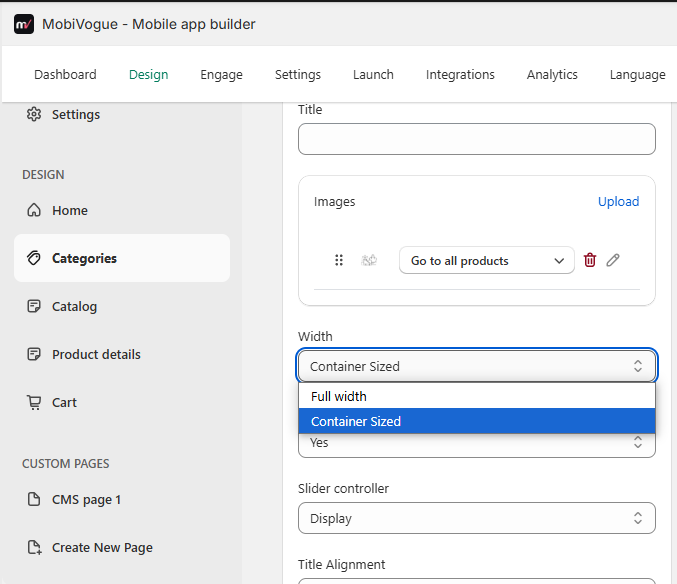
3.3. Width: This field has an option to set the width of the section in full width or container size. The container padding can be manageable from below path:
Setting -> General -> Space management -> Container Padding.
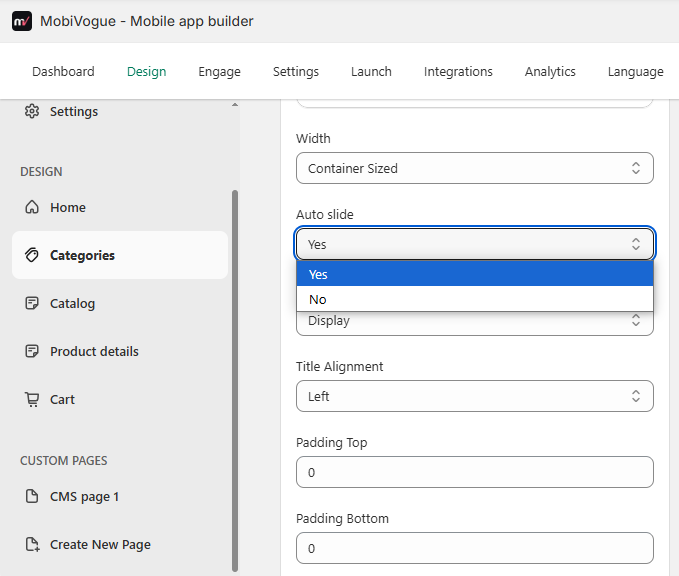
3.4. Auto slide: The images can be set to an auto slide “Yes” or “No” from this field. If you select “Yes” then it will slide automatically and for “No”, you need to manually slide the images to change it.
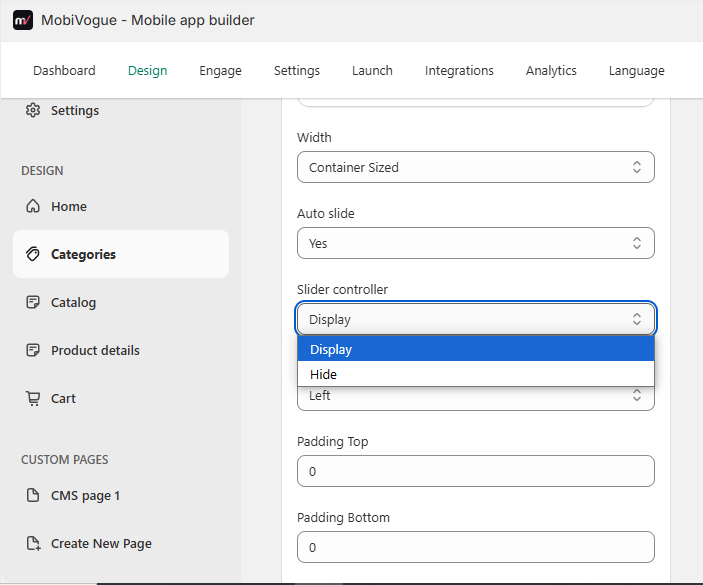
3.5. Slider controller: There are options to either display the slider controller or hide it.
3.6. Title Alignment: There are mainly two options.
- Left: It will display the title on the left side.
- Center: It will display the title in the center of the screen.
3.7. Padding top and Padding bottom: It will leave space before and end of the section as per the pixel value given in the backend.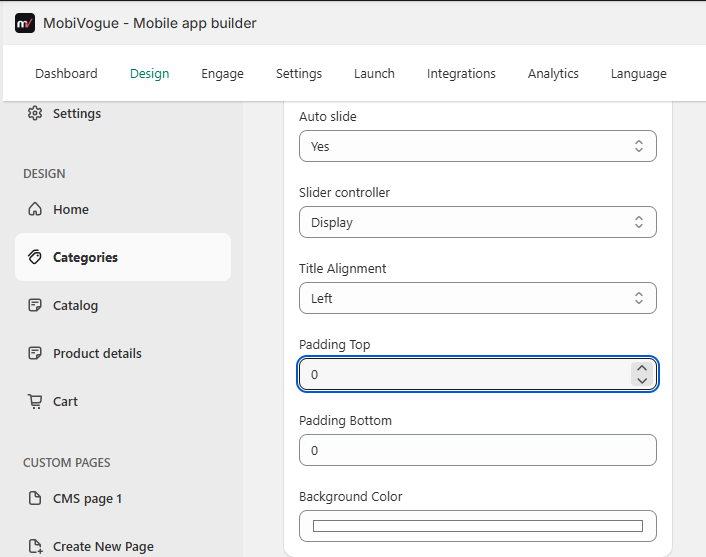
3.8. Background color: It will set the background color of the whole section.