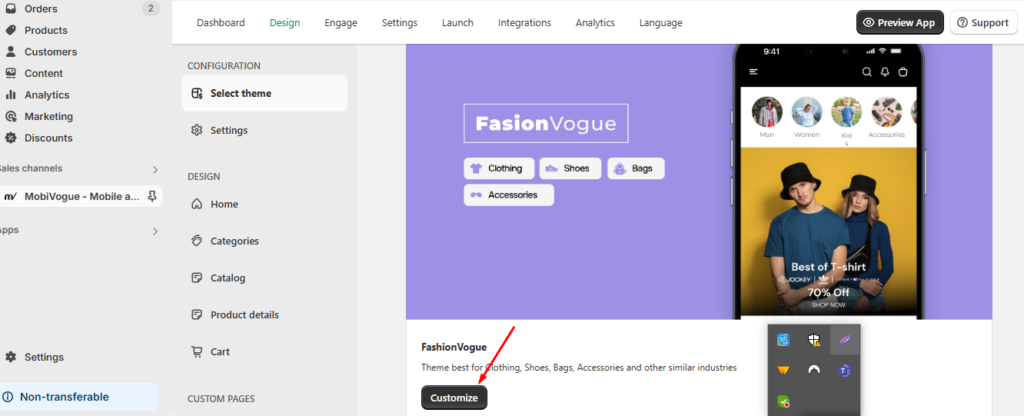
Configuration
Select theme
Let’s dive into the Themes section on the MobiVogue dashboard.
Go to Dashboard > Design > Themes.
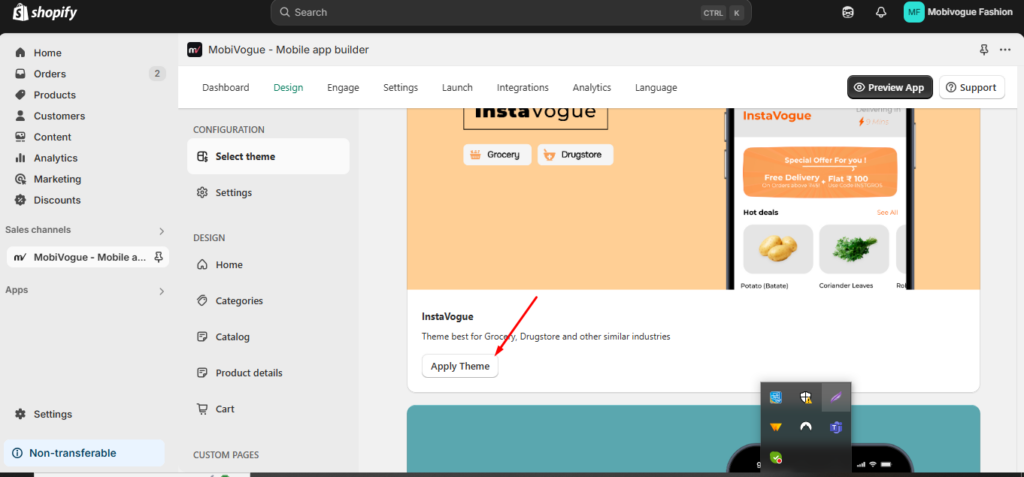
1. Select the theme as per your business category and click on the “Apply Theme” button.
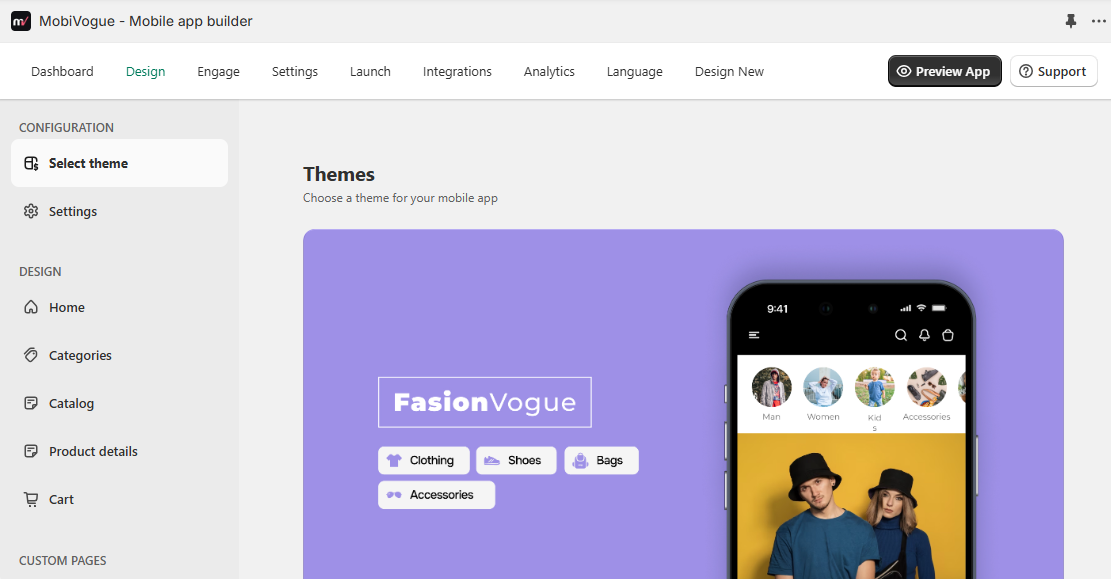
2. After selecting the theme, you can customize it from here.