Demo
See your store as an app, on your own phone
Preview your own Shopify store as a mobile app before you publish. Install MobiVogue, open the free Mobivogue app on your phone and scan the QR code in your dashboard. Your products, collections and prices appear in the app, so you judge the design on your real catalog.
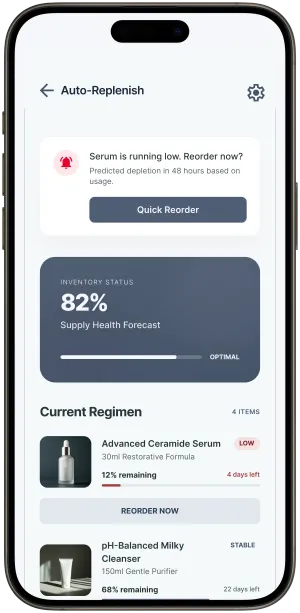
How to try it
Four steps from install to your own app
-
Step 01
Install MobiVogue
Add MobiVogue to your store from the Shopify App Store. Native app plans start with a 30-day free trial.
Start a 30-day free trial → -
Step 02
Get the Mobivogue app
Download the free Mobivogue app on your iPhone or Android phone. It’s the preview app for store owners.
Get the app ↓ -
Step 03
Scan your store’s QR code
Open MobiVogue in your Shopify admin and scan your store’s QR code with the app. Your products, collections and prices appear as an app.
-
Step 04
Design it, then we publish
Build the home screen from drag-and-drop blocks and check it on your phone. When you’re happy, we build and submit your app, usually within 1–2 weeks.
The preview app
Get the Mobivogue app
Free on iPhone and Android. On a computer, scan a code with your phone’s camera. On your phone, tap the button.
What your app can do
Built for products customers buy again
-
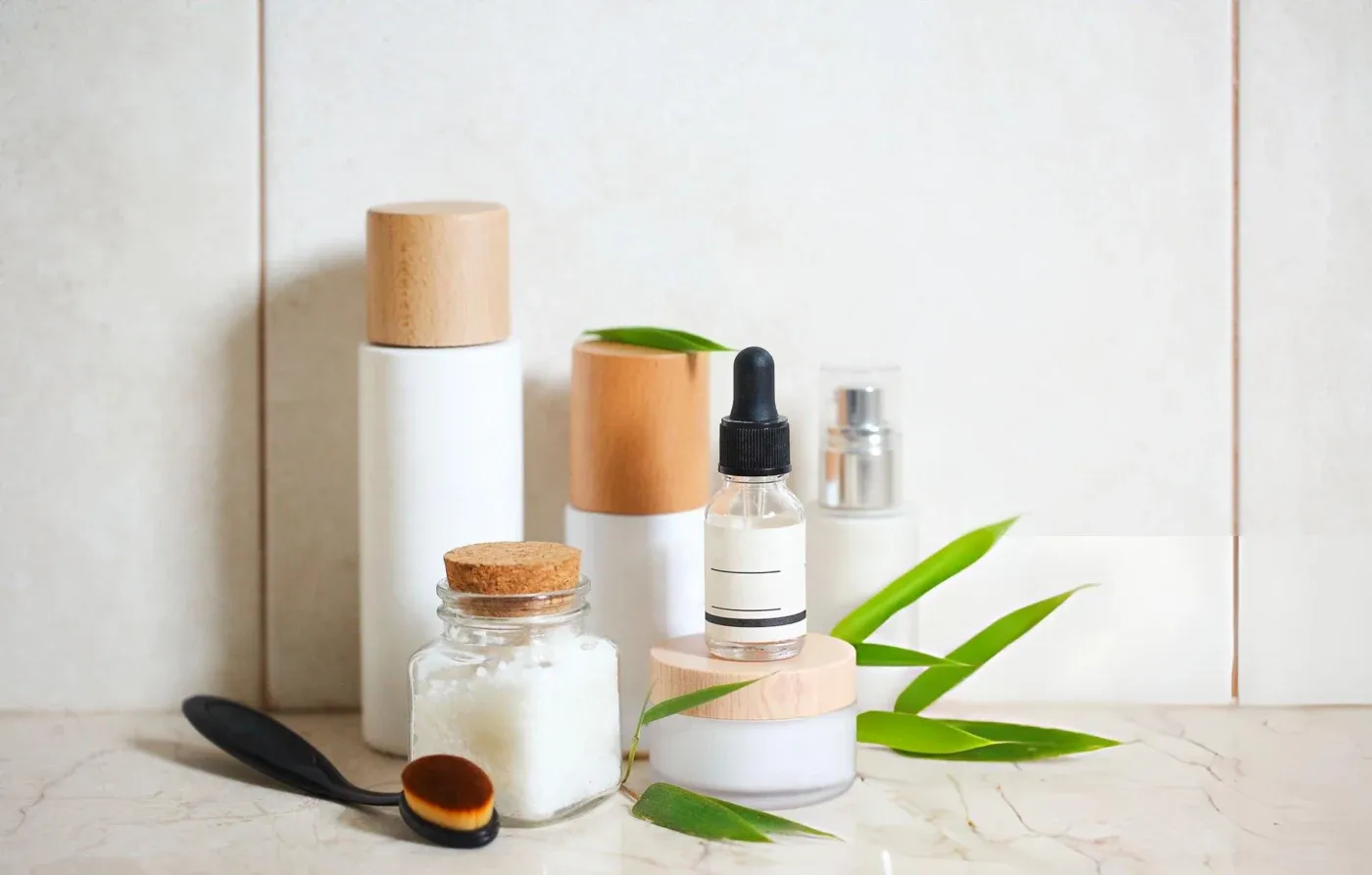
Supplements and vitamins
Daily dose reminders, and a refill prompt before the bottle runs out.
See the app → -
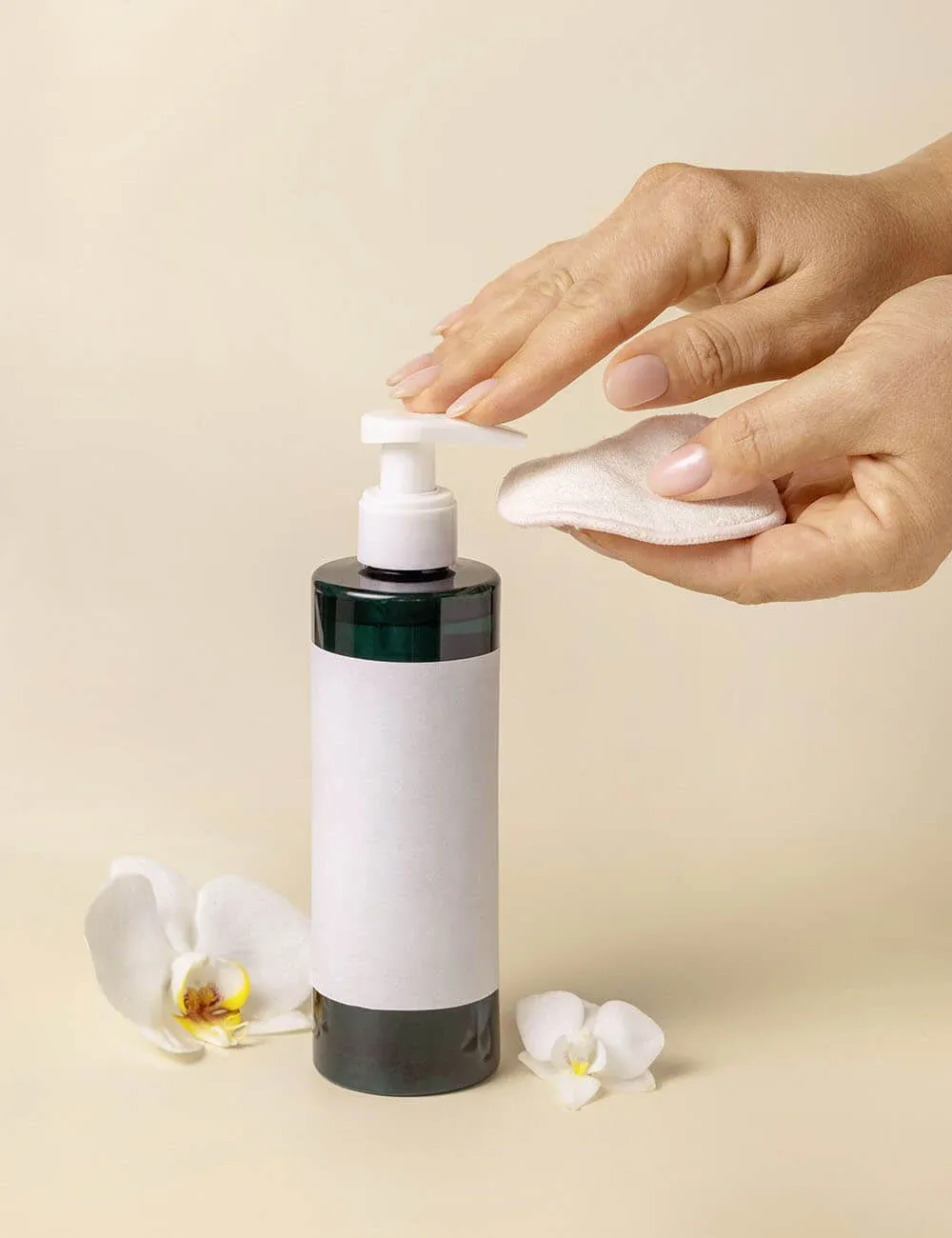
Skincare and personal care
Morning and evening routines, with skin analysis to choose the first one.
See the app → -
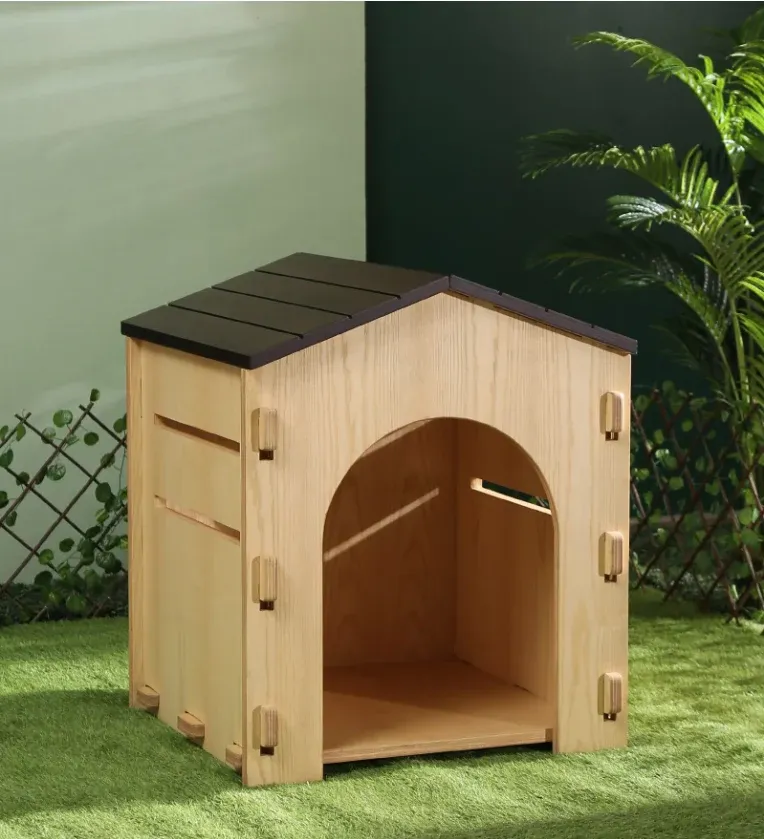
Pet food
A reminder before the bag runs low, and the same food again in one tap.
See the app → -

Coffee and tea
The usual beans, grind and size, reordered in one tap.
See the app →
Payback check
See if an app pays back for your brand.
Put in your orders, repeat rate and order value. Get an honest answer in two minutes, even if it’s “not yet”.
Or book a 30-minute fit call →