Start every customer on the right routine, from a selfie
A selfie in your app turns into a skincare routine from your own catalog, by Rupam. The shopper sees visible concerns, such as blemishes or dark circles, and the products for each. The selfie is never stored. It’s cosmetic, not a diagnosis, and Rupam has tested it on skin types III to VI.
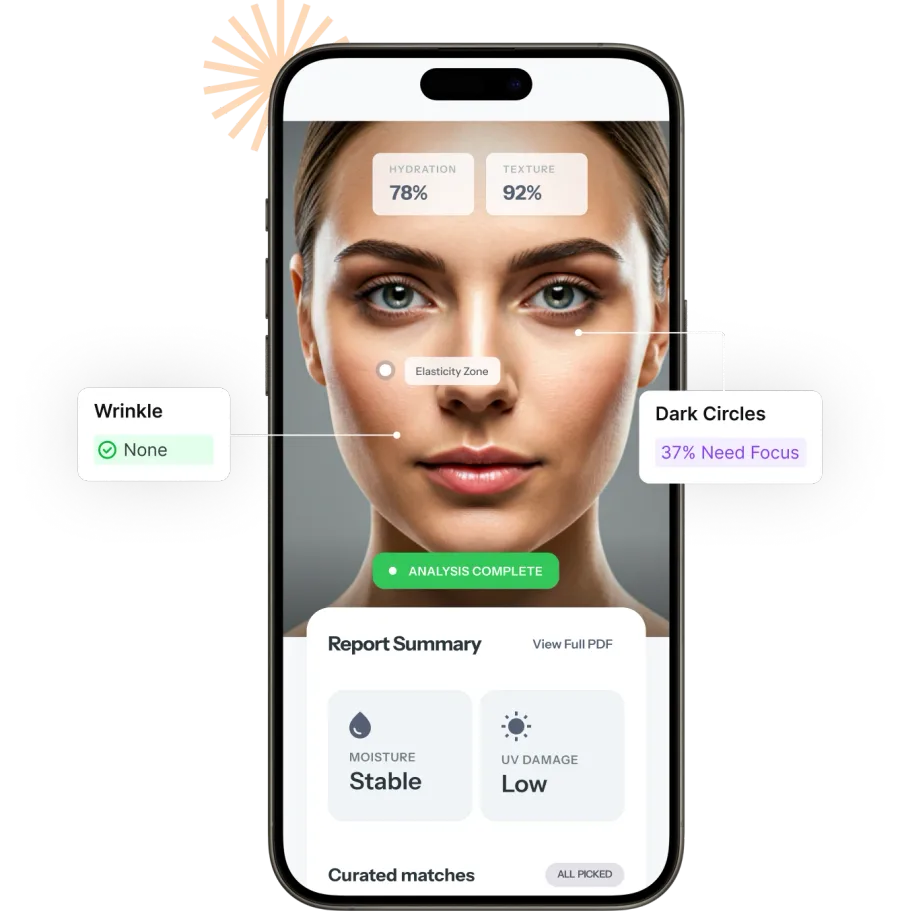
What the shopper does
Four screens, consent first.
Skincare shoppers’ first question is which products to use, and in what order. One merchant on Shopify’s forum said her inbox was “constantly flooded with the same questions” (Shopify Community, June 2026). A scan answers it with your own products.
-
1 · Consent
The camera opens only after the customer agrees.
-
2 · Selfie
Lighting tips on the camera screen, because light changes results.
-
3 · Concerns
Visible signs only, in plain words.
-
4 · Routine
Your products, in order, ready to add.
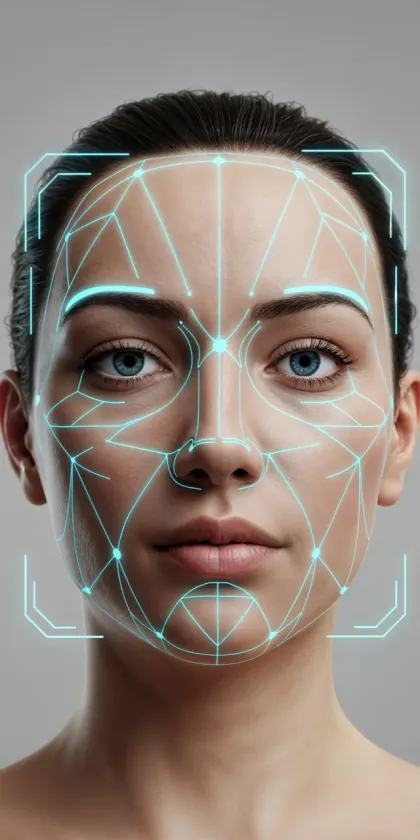


Privacy
Is the selfie stored? No.
This is the question a US merchant’s lawyer asks first. In Illinois, face-scanning beauty tools used without written consent have ended in settlements, including Neutrogena’s at $4.7 million (ID Tech Wire) and Charlotte Tilbury’s at $2.9 million (ClassAction.org). The FTC treats a photo of a face as biometric information (FTC policy statement).
The selfie
Never stored
Sent to Rupam for analysis and discarded. MobiVogue always switches image storage off; you can’t turn it on.
The results
Kept, deletable
Concern scores, linked to the customer if they’re signed in. Kept until they delete them, or for 24 months.
The consent
Logged
The customer’s “I agree”, with the date and time. Asked again every 12 months.
-
Consent before the camera opens
The customer reads what’s analysed, that the photo isn’t kept, that Rupam processes it in India and how long scores are kept, then taps “I agree”. An electronic signature now counts as a written release under Illinois law. (Greenberg Traurig on BIPA)
-
18 and over only
The consent screen asks customers to confirm they’re 18 or over, as Rupam’s terms require.
-
Never used for training
Selfies and results from MobiVogue apps are never used to train Rupam’s models.
-
Never used for ads or targeting
Scan results don’t feed push segments, Klaviyo or ads. Apple bars data from facial mapping tools from marketing use. (Apple guideline 5.1.2(vi))
-
UK and EU shoppers covered
India has no EU adequacy decision, so the transfer to Rupam is covered by the EU’s standard contractual clauses and the UK addendum. (European Commission)
Rupam processes scans on Amazon Web Services in Mumbai (Rupam privacy policy). The merchant is responsible for its customers’ data, MobiVogue processes it for the merchant, and Rupam processes it for MobiVogue, each under a written data processing agreement.
Accuracy
Tested on medium to deep skin. We say so.
Rupam’s benchmark covers Fitzpatrick skin types III to VI. It has no published results for types I and II, so every result screen carries that note. The FTC treats an accuracy claim that holds only for some groups as deceptive unless the limit is stated (FTC).
Some mainstream tools have the opposite gap. When Which? tested Boots’ scanner, it missed hyperpigmentation more often on types IV and V, and changing the light moved scores by up to 39 points. Boots took the tool down (Which?, October 2026).
We don’t quote a single accuracy figure until Rupam says how it’s calculated. Rupam’s per-concern results are at rupam.ai/en/accuracy.
Swatches are illustrative, not a clinical reference.
Cosmetic care
Care advice, in your brand’s words.
The scan stays cosmetic from start to finish: it looks at what’s visible and points to products you already sell.
-
Visible signs
Flags what shows on the skin, such as blemishes, dark circles or dryness, in plain words.
-
Your own products
Suggests products from your catalog for each sign, labelled “Recommended by” your brand.
-
A daily routine
Turns them into a morning and evening routine the customer adds in one tap.
-
A caring note
Each result reminds shoppers to see a doctor about anything that worries them.
Products “intended to treat acne” are drugs under US law, so the wording stays cosmetic (FDA). Apple asks apps to remind users to check with a doctor before medical decisions (guideline 1.4.1).
From scan to reorder
The scan starts the routine. The app keeps it going.
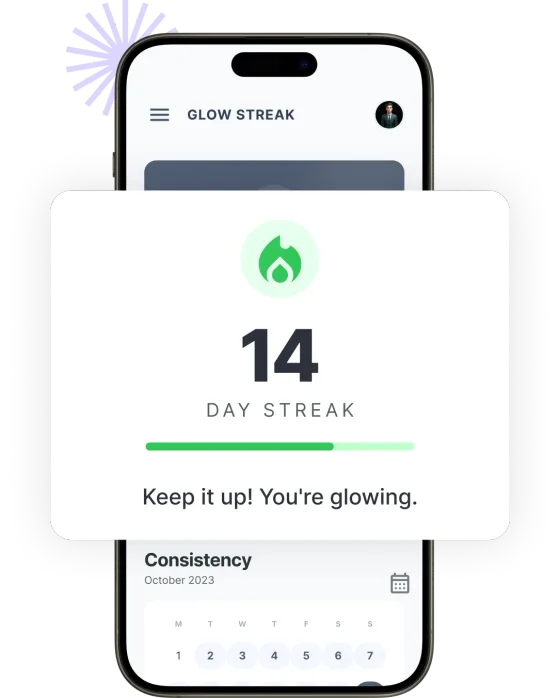
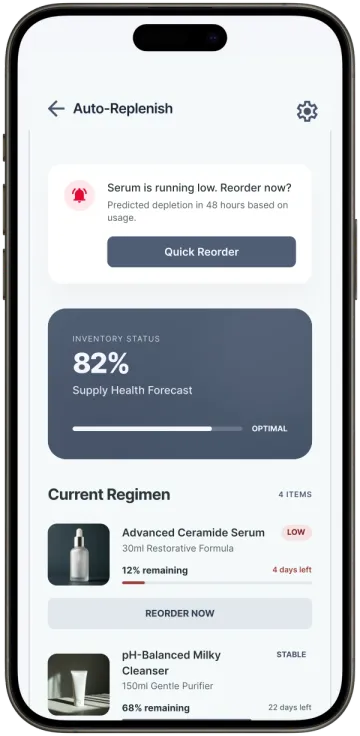
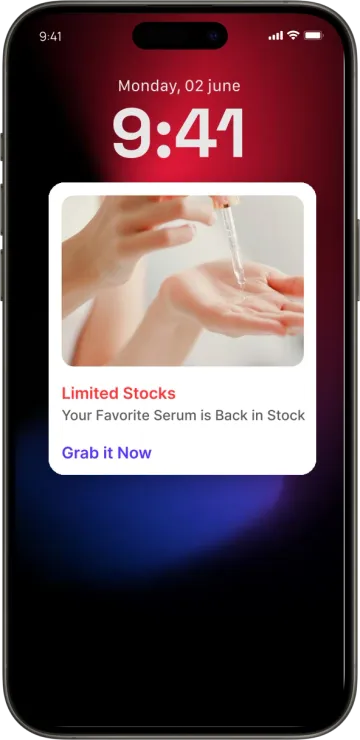
One tap on “Add this routine” turns the result into the customer’s daily routine. From there, routine reminders keep them using it, and a refill reminder lands before each product runs out.
-
1 · The scan
The shopper adds the routine in one tap.
-
2 · Every day
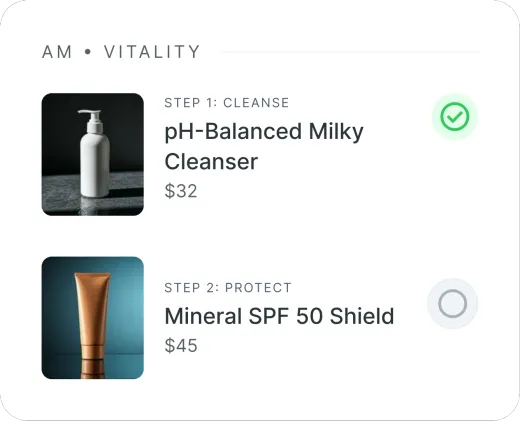
Routine reminders at the times they chose.
-
3 · Before it runs out
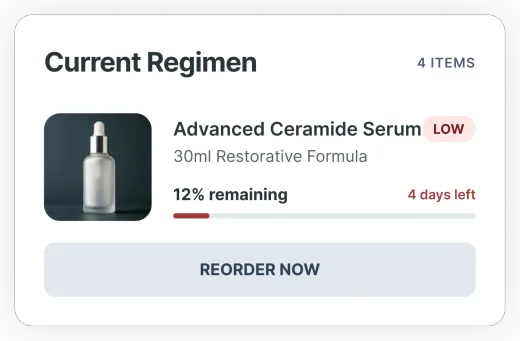
One-tap reorder from the refill reminder.


Examples
What it looks like for different ranges.
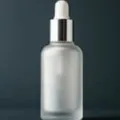 Cleanser and serum brand
The scan flags visible dryness and dark circles. The routine puts your gentle cleanser and eye serum in the evening, and both go into routine reminders.
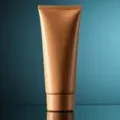 Sun care
The scan flags uneven tone. The routine adds your SPF to every morning, and the refill reminder lands before the tube runs out.
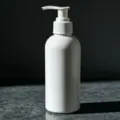 Blemish-care range
The scan flags visible blemishes. The routine suggests your clarifying cleanser and spot gel, worded as care, never as treatment.
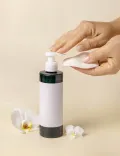 Men’s skincare
A shopper who’d never take a quiz takes one selfie and gets a three-product routine, all from your range.
Settings
What you control.
- What shoppers see
- Only the concerns Rupam has finished testing. Moles are never shown. Skin age is off unless you turn it on.
- Product matching
- You map products to concerns in the MobiVogue dashboard, pre-filled from your product tags. You can change any match.
- Labels
- Recommendations show as “Recommended by” your brand, so shoppers know they’re your products.
- The quiz instead
- Shoppers who’d rather not take a photo answer three questions instead (skin type, top concerns, sensitivity) and get a routine from the same matches.
- Scan allowance
- A monthly number of scans comes with your plan; see pricing. You’re told at 80%. At the limit the camera option hides and the quiz stays.
- Your own Rupam account
- Each store has its own, so another brand’s busy day never slows your shoppers’ scans.
Skin analysis is by Rupam, also on the Shopify App Store as Rupam AI: Skin Analysis & Quiz. It’s a paid add-on, charged on top of your plan; see pricing.
FAQ
Skin analysis: questions merchants ask.
Can’t find yours? Ask it on a 30-minute fit call. You’ll talk to the team that builds the app.
Book a fit callPrivacy
Is the shopper’s selfie stored?
No. The selfie goes to Rupam for analysis and is discarded; MobiVogue always switches image storage off, and you can’t turn it on. Only the results are kept, until the customer deletes them or for 24 months.
Do shoppers have to give consent, and who collects it?
Yes. The app shows a consent screen before the camera opens, and logs the customer’s “I agree” with the date. In Illinois, face-scanning beauty tools without written consent have led to settlements, such as Neutrogena’s $4.7 million (ID Tech Wire) and Charlotte Tilbury’s $2.9 million (ClassAction.org).
Can under-18s use it?
No. Rupam’s terms don’t allow images of anyone under 18, so the consent screen asks customers to confirm their age. Younger shoppers can use the quiz.
Accuracy
How accurate is AI skin analysis?
It depends on the tool, the skin and the light. Rupam publishes its own benchmark, on skin types III to VI, at rupam.ai/en/accuracy; we don’t quote a single figure until Rupam says how it’s calculated. In a UK test of another brand’s tool, changing the light moved scores by up to 39 points (Which?, October 2026).
Does it work on all skin tones?
Rupam tested it on Fitzpatrick skin types III to VI, medium to deep. There are no published results for types I and II, so every result screen says so. That makes it a strong fit for brands whose customers have medium to deep skin.
Is it a medical diagnosis? Can it detect skin cancer?
No to both. It flags visible cosmetic signs and suggests products. It doesn’t look for moles, and the result screen tells shoppers to see a doctor about anything that worries them. Studies cited by the American Academy of Dermatology found melanoma apps missed 41% of melanomas (AAD).
Running it
How are products matched to concerns? Can I edit the matches?
You map each product to the concerns it’s for in the MobiVogue dashboard. Matches start from your product tags, and you can change any of them.
What if a shopper doesn’t want to take a selfie?
They answer three questions instead (skin type, top concerns, sensitivity) and get a routine from the same product matches. The quiz also stays available when your monthly scans run out.
How is it different from a skincare quiz?
A quiz relies on what shoppers say about their skin; a scan looks at a photo. A scan helps shoppers who aren’t sure what their skin type is. Both end in the same routine from your catalog, and both feed reminders and reorder.
Are there scan limits?
Yes, a monthly number of scans comes with your plan; see pricing. You’re told at 80%, and at the limit the camera option hides while the quiz keeps working.
Related features
Works well with.
Payback check
See if an app pays back for your brand.
Put in your orders, repeat rate and order value. Get an honest answer in two minutes, even if it’s “not yet”.
Or book a 30-minute fit call →