Guide
How to turn your Shopify store into an Android app
 By Dr. Nisarg Patel, MobiVogue Updated
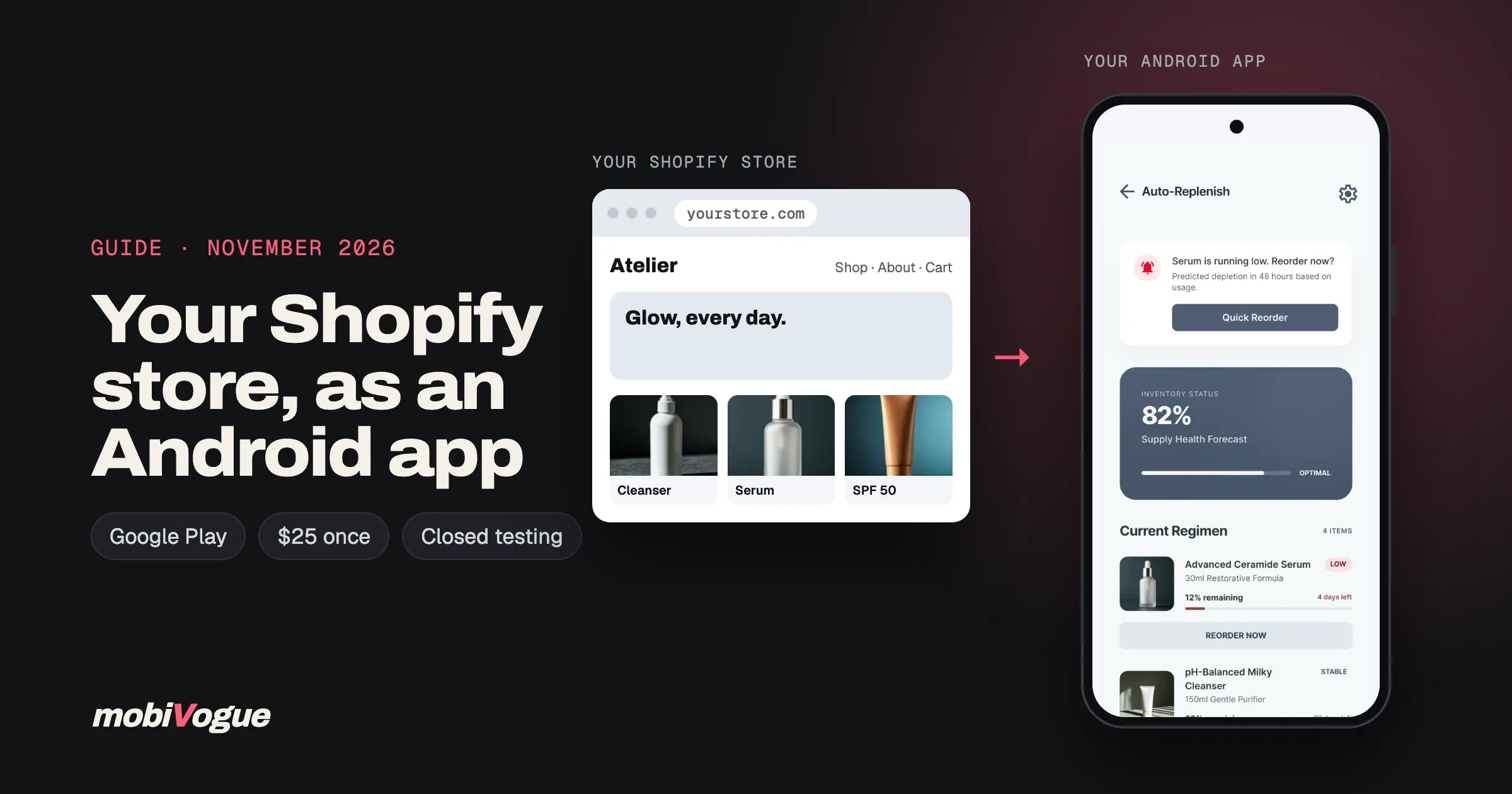
The short answer
To turn a Shopify store into an Android app, open a Google Play developer account ($25 once), build the app with a no-code app builder or developers, test it on real Android phones, then publish it through the Play Console. Products, prices and stock sync from Shopify, and a builder makes the iPhone app from the same design.
Step by step
- Open a Google Play developer account in your company’s name. It costs $25 once.
- Pick how you’ll build it: a no-code app builder, a PWA, or developers (compared below).
- Design the app in your brand’s colors, fonts and logo. With a builder, products, collections, prices and stock come from Shopify.
- Test it on real Android phones through Google Play’s internal or closed testing.
- Write the Play listing: name, short and full description, screenshots, a privacy policy link and the data safety form.
- Publish through the Play Console and wait for review.
- Ask customers to install it from your website, emails and order confirmations, then ask for push permission at a helpful moment.
With MobiVogue, you design the app and our team builds it and publishes it from your own Google Play account, usually within 1–2 weeks of your go-ahead.
The Google Play developer account
Google charges a one-time $25 registration fee. A company opens an organization account, which needs a D-U-N-S Number; Dun & Bradstreet issues them for free. Google then shows your legal name, D-U-N-S Number, address, developer email and phone on your Play listing, so use details you’re happy to publish.
Open the account in your company’s name, not an agency’s or an app builder’s. The app’s installs, ratings and reviews belong to the account that publishes it.
Sources: Play Console Help: registration fee, Play Console Help: required information for a developer account.
Testing and review
| Organization account | New personal account | |
|---|---|---|
| Before you can publish | Account verification | A closed test with at least 12 testers, opted in for 14 days in a row |
| Review | Up to seven days, longer in exceptional cases | |
That testing rule is why a company account is the faster route: a new personal account can’t go to production until its closed test has run.
Sources: Play Console Help: testing requirements for new personal accounts, Play Console Help: publish your app.
Push notifications on Android
From Android 13, an app has to ask each customer before it can send push notifications, as iPhone apps always have. Ask at a helpful moment, such as after a first order or when a customer sets a refill reminder, not the second the app opens.
Source: Android Developers: notification runtime permission.
App builder, PWA or custom build
| No-code app builder | PWA | Custom build | |
|---|---|---|---|
| On Google Play | Yes | No; added from Chrome | Yes |
| Cost | $79 to $3,500 a month, plus $25 once | From $29 a month with MobiVogue | Quoted per project, plus upkeep |
| Push | Native push | Web push from Chrome | Native push |
| iPhone app too | Same design | Same PWA; push on iPhone only after Add to Home Screen | A second build, or a cross-platform one |
| Who keeps it working | The builder | The builder | Your developers |
The full conversion guide covers each route in more depth, and our comparisons set the builders side by side.
Connecting Shopify to an Android app you already have
If you already run an Android app, developers can connect it to your Shopify store instead of starting again. Shopify’s Storefront API gives the app your products, collections, prices and carts, and Shopify’s open-source Checkout Kit opens Shopify checkout inside the app, so discounts, payment methods and checkout apps keep working.
Sources: Shopify Storefront API, Shopify Checkout Kit.
Do you need an iPhone app too?
Usually, yes: most stores have both iPhone and Android customers. GA4’s Tech details report shows the split for your own store. A builder makes both apps from one design. The iPhone app needs an Apple Developer account ($99 a year) and Apple’s own review; see how to turn your Shopify store into an iPhone app.
Not sure an app will pay back? The payback calculator shows what an app needs to earn to pay back for your store.